Features
Everything a running boat needs to keep on top of.
Developed by experienced captains and engineers. Designed specifically for boats from 30 ft to 100 ft, with a complete view of every vessel and every open issue across your whole fleet.
iVessel replaces the spreadsheet, the whiteboard in the engine room and the folder of expired certificates. Here is what is in it.
Maintenance
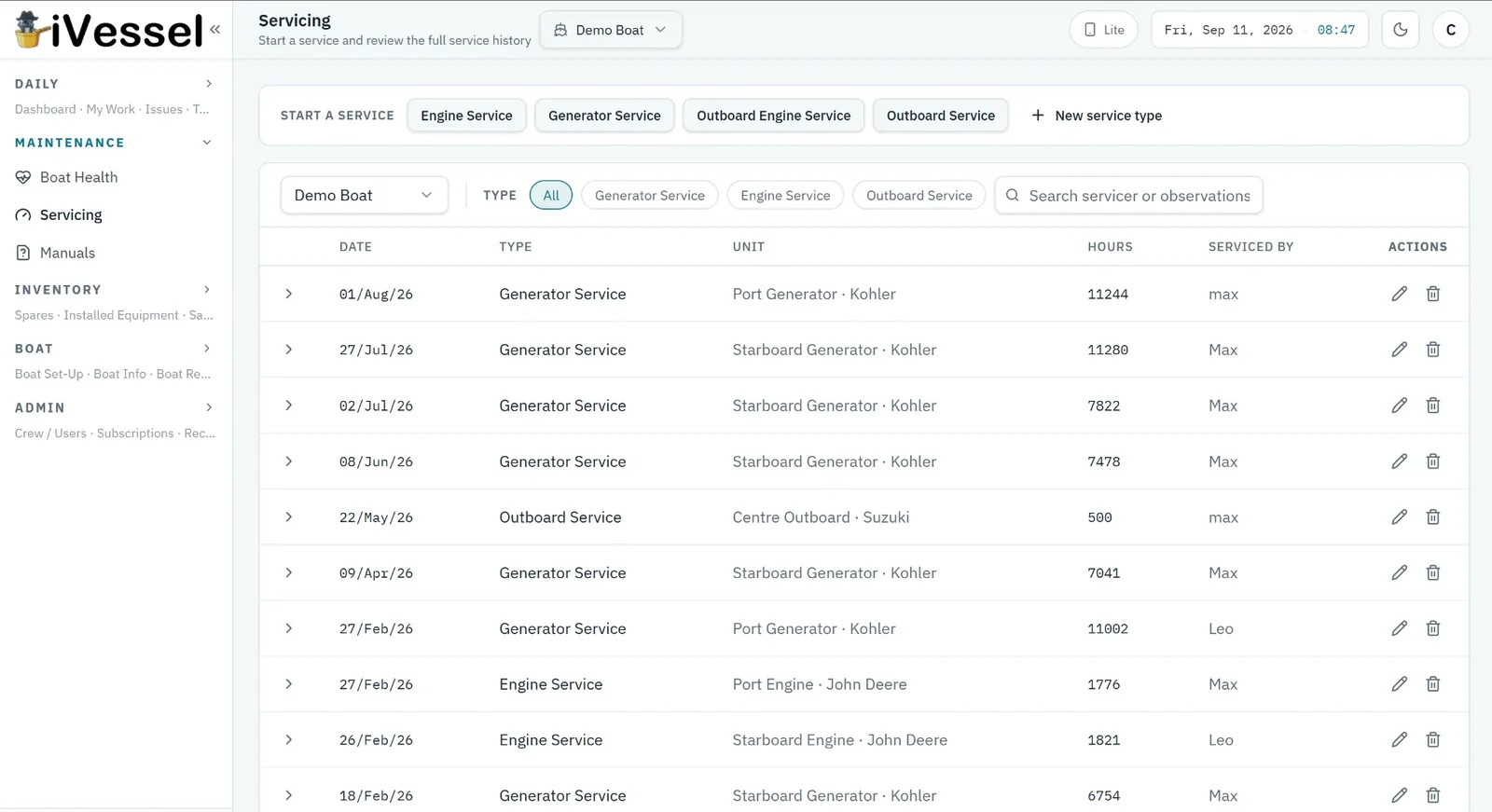
How does iVessel track servicing?
Every engine, generator and system on the boat gets a service schedule based on running hours, calendar dates or both. Log a service and the next one is scheduled automatically.
- Hour- and date-based service intervals per unit
- Service history with consumables and parts used
- Update engine hours from the pre-sail checklist
- Overdue, due-soon and OK status on every item
- Boat Health gauge rolls it all up per boat and per fleet
- Printable service history for surveyors and buyers
Issues & work orders
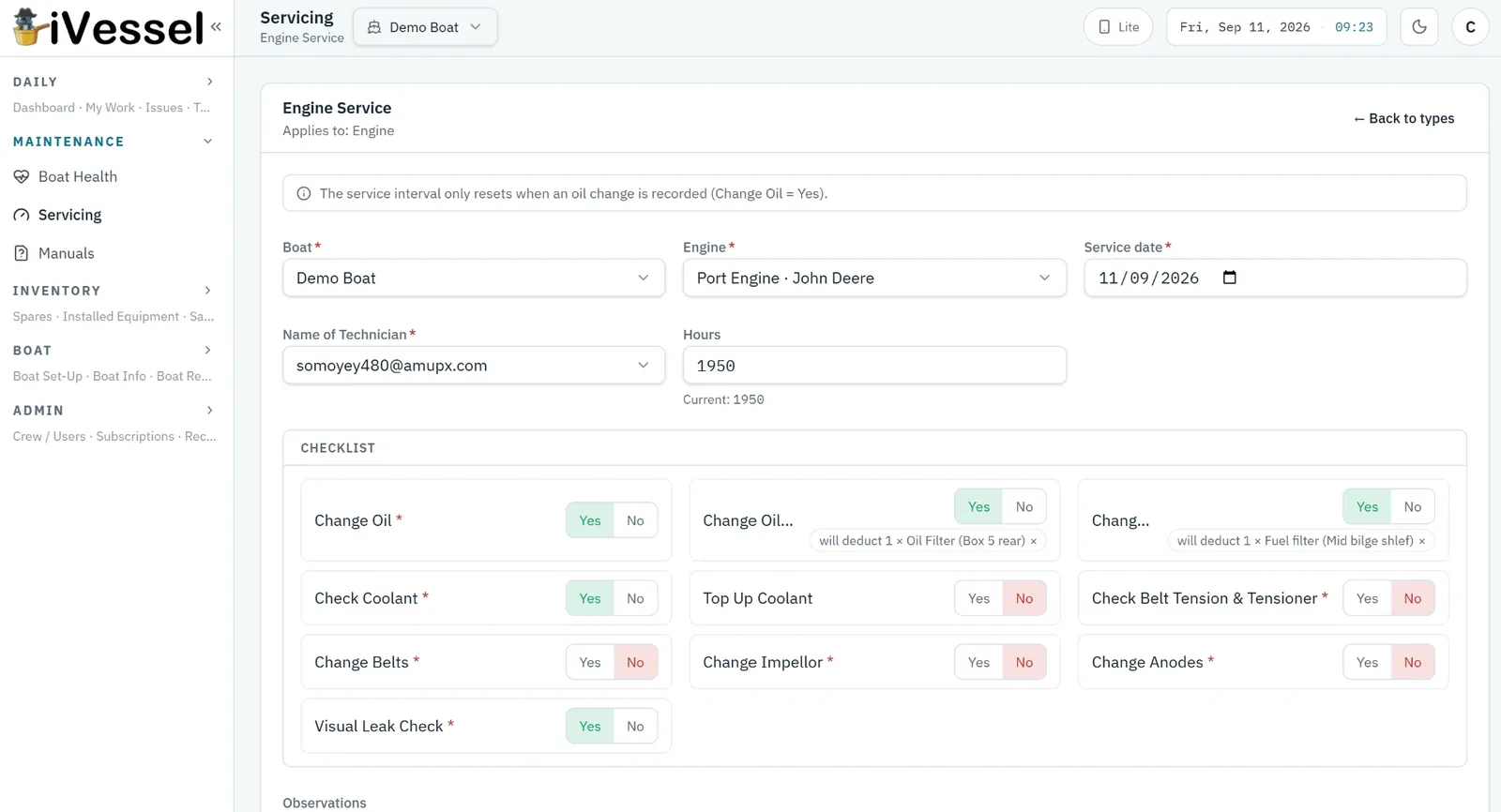
How are faults and jobs managed?
Anyone on board can raise an issue from their phone in seconds — photo, location on the boat, priority. Assign it, discuss it, close it. Nothing gets lost between watches.
- Photo capture from the phone camera
- Assign to crew, contractors or the yard
- Warranty flag so dealers see only warranty items
- Timesheets and expenses against an issue
- Open / all views with filters per boat
- Push notifications when something is assigned to you
Inventory
What inventory can iVessel manage?
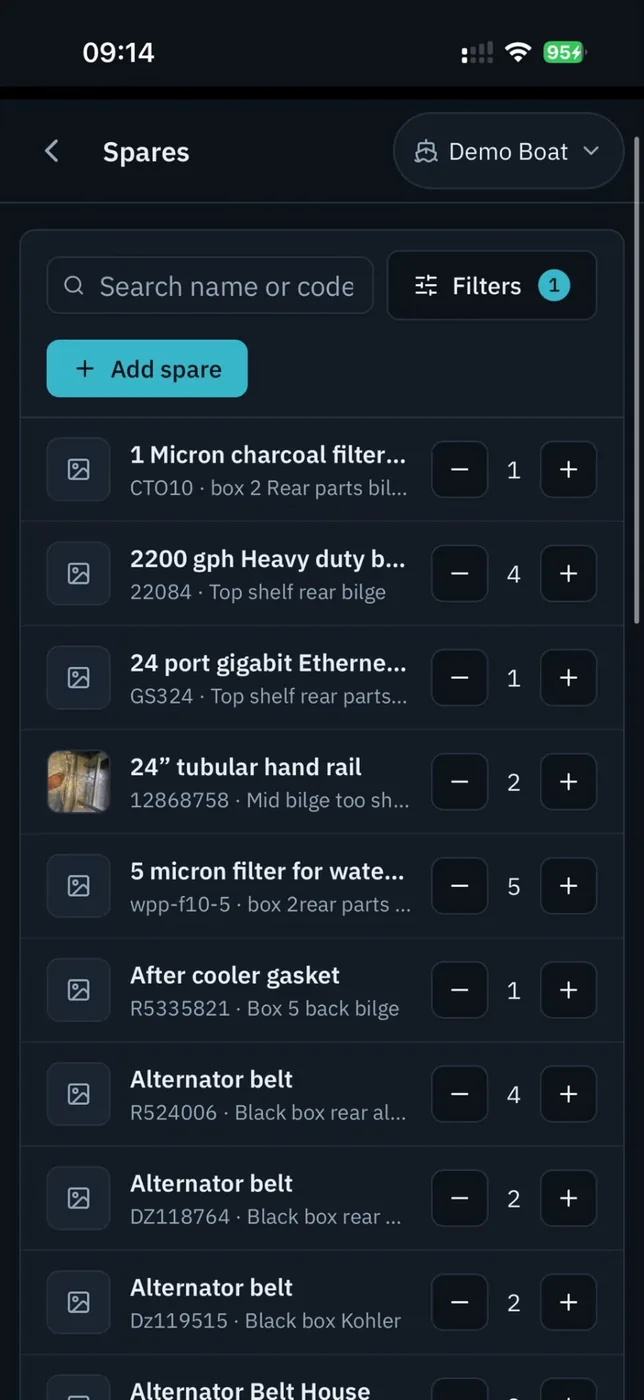
Six inventory categories, one system: spares, installed equipment, safety equipment, first aid, stock & décor, and wine & food. Scan a barcode to add or deduct.
- Barcode scanning on iOS and Android
- Minimum stock levels and low-stock alerts
- Expiry dates and reminders (flares, EPIRB batteries, medical kit)
- Transfer spares between boats in the fleet
- Parts linked to the equipment they fit
- Wine list with notes and enrichment
Checklists
Can crew run checklists on their phones?
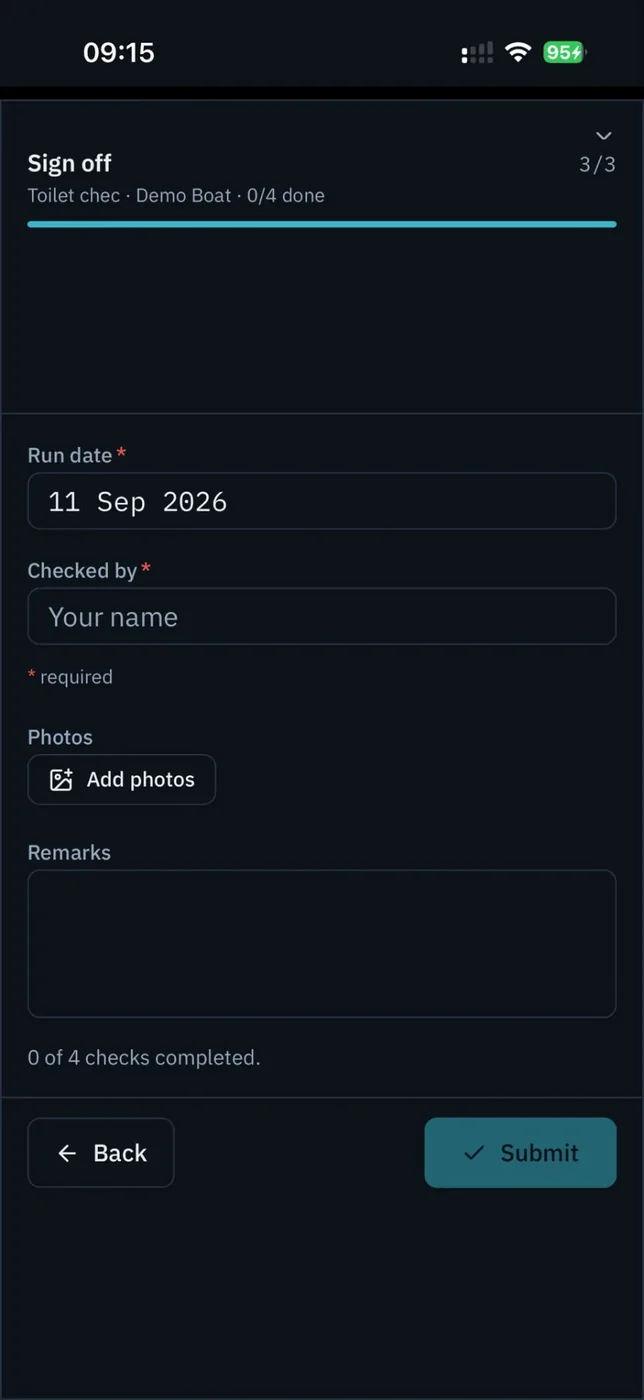
Yes. Build any checklist once — pre-sail, handover, weekly safety walk, cabin clean — and crew run it, tick it, sign it off. Part-finished runs save as drafts.
- Sections with tick, number, text, date and yes/no items
- Sign-off with name and remarks
- Drafts resume where you left off
- Templates shared across the fleet
- Export a completed run to PDF
- Engine hours captured during the run
MLC rest hours
Does iVessel record MLC 2006 rest hours?
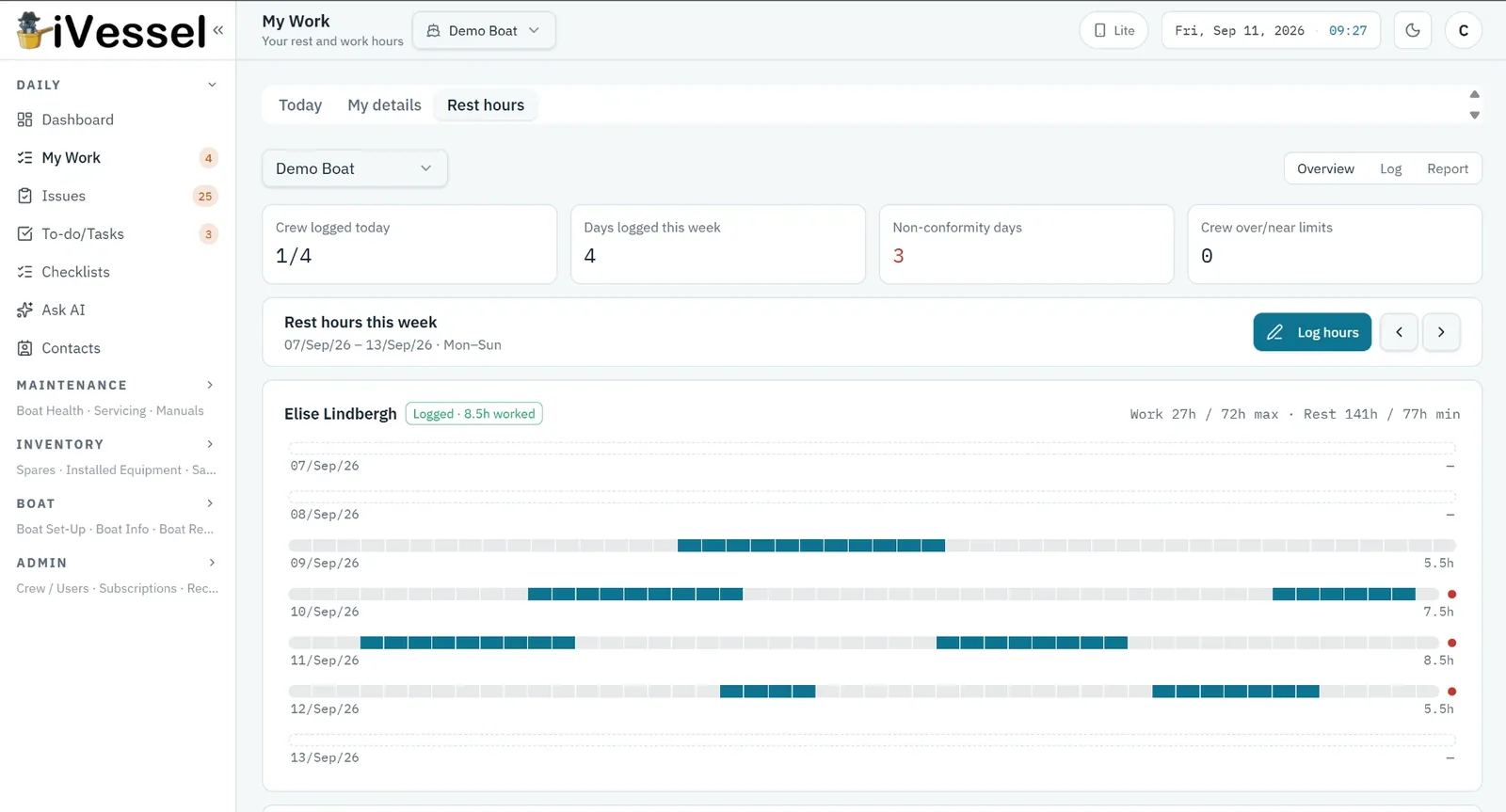
Yes. Crew log their rest and work periods day by day; iVessel checks each day against the six MLC rest-hour rules and produces the printable monthly record.
- Daily strip entry from the phone
- Six-rule compliance check with clear pass/fail reasons
- Fleet overview of who is non-compliant
- Monthly record sheet as PDF in the standard layout
- Works offline; syncs later
Crew, documents & contacts
How does iVessel handle crew records and certificates?
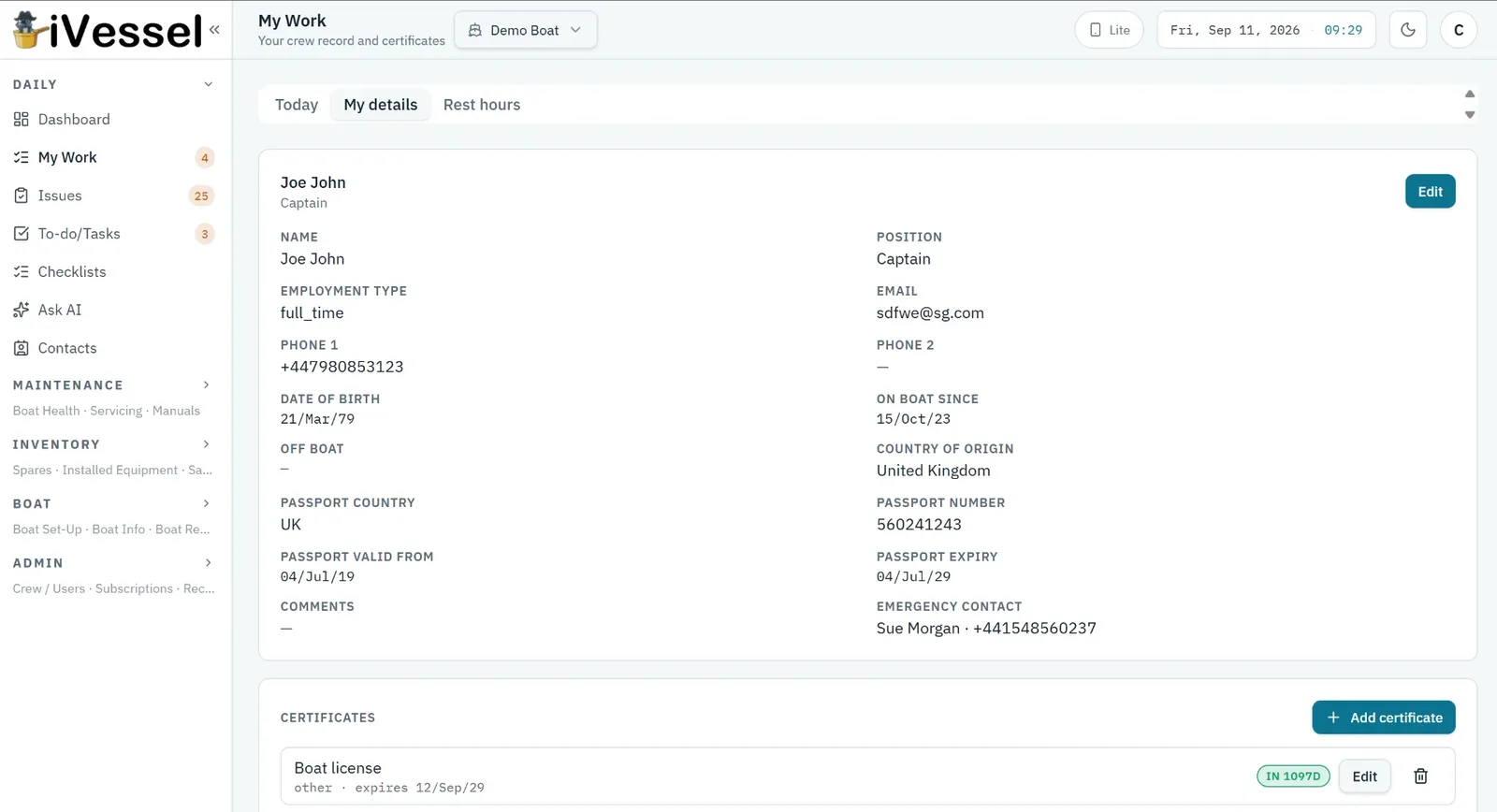
Every crew member has a profile with their certificates and expiry dates; iVessel reminds you before anything lapses. Boat documents, contacts and logs sit alongside.
- Certificates with expiry reminders
- Boat documents (registry, insurance, class) with reminders
- Contacts per boat — yard, agent, dealer, supplier
- Boat logs and trip logging
- Roles: owner, captain, engineer, crew, contractor, warranty
- Per-page visibility control per role
Offline & mobile
Does it work without signal?
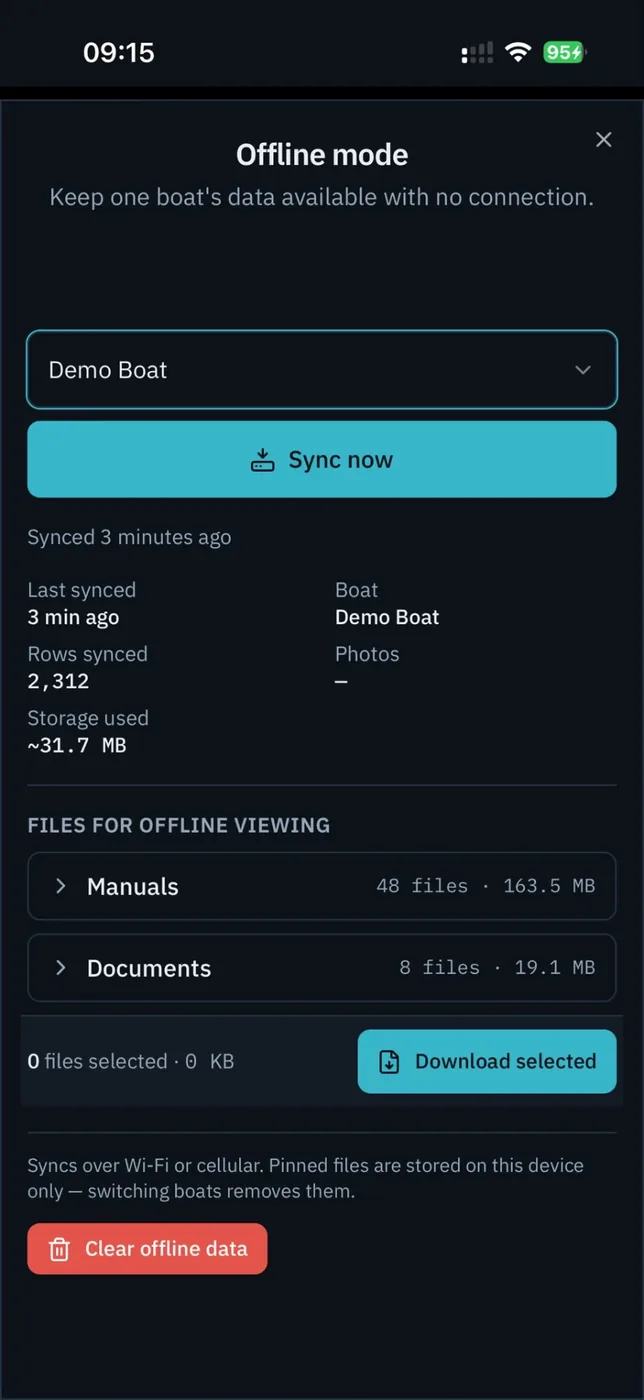
Yes. The app keeps a read pack of the whole boat on the phone and queues everything you log — issues, services, photos, checklists — until you are back online.
- iOS and Android apps, plus the web app
- Read pack refreshed automatically when online
- Queued writes and photos sync in order
- Pin manuals and documents for offline reading
- Lite mode for small screens and gloves
Ask AI
What can Ask AI answer?
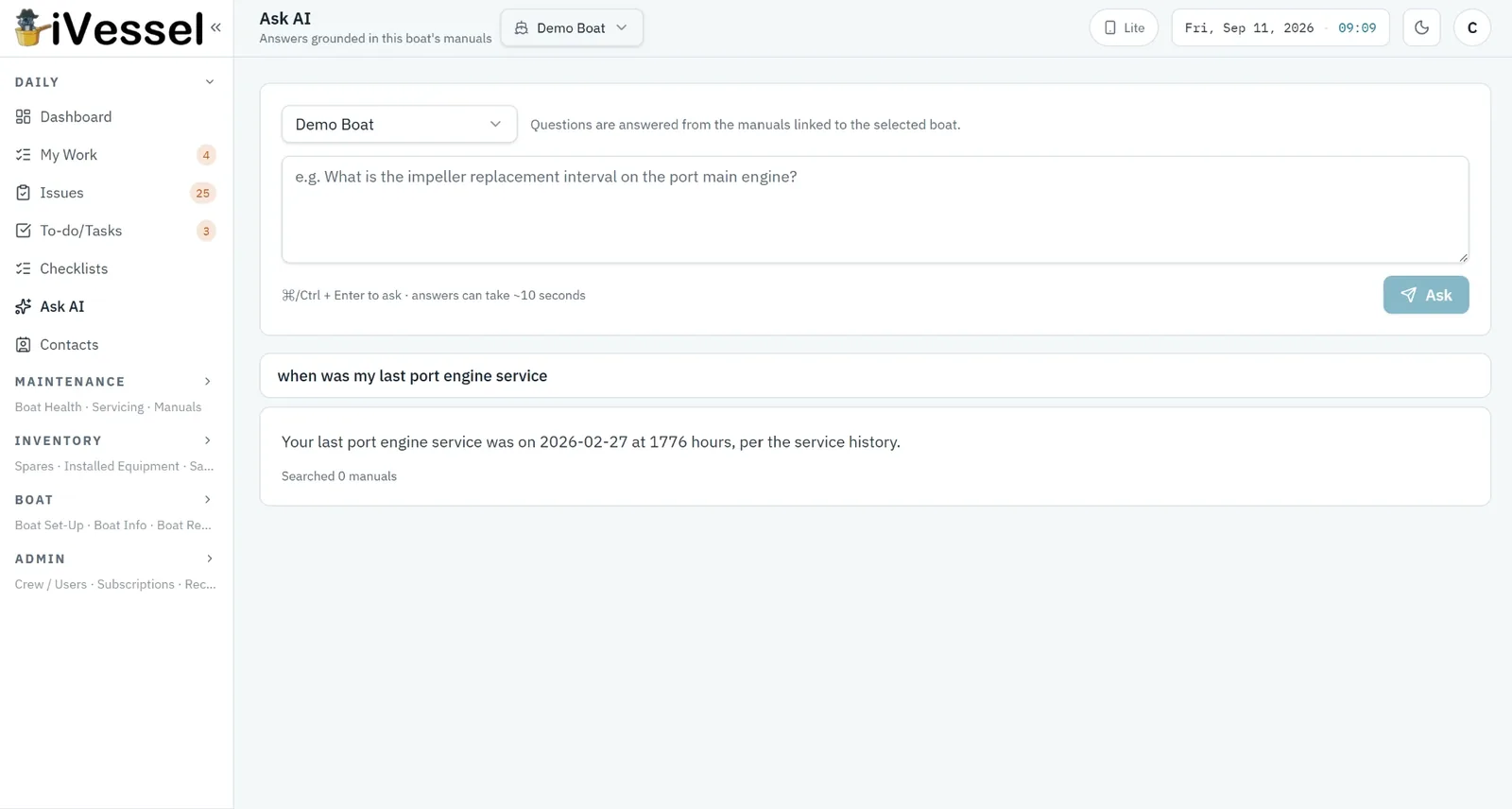
Plain-English questions about your own boats: what is overdue, what expires next month, what is low on stock. It reads your data and indexed manuals; it never edits anything. It can be disabled per company.
- Answers grounded in your records, with sources
- Indexed equipment manuals
- Read-only by design
- Optional — switch off per company
Fleet admin & billing
How is a fleet administered?
One company, many boats, unlimited users. Admins control who sees which boat and which pages; billing is per boat with cards that can cover one boat, some, or all.
- Unlimited users on every plan
- Per-boat access and per-role page visibility
- MFA that can be required fleet-wide
- Cards attached to boats; captains can manage their own boat's card
- Receipts and invoices in the app
- 7-day grace on failed payment, then read-only — never deleted