
MLC rest hours
Rest hours logging that checks itself against MLC 2006
Every crew member records their day on a half-hour grid from their own phone, on board, in under a minute. iVessel checks each day against the six MLC rest-hour rules as it is entered and flags a breach in plain English before it is saved.
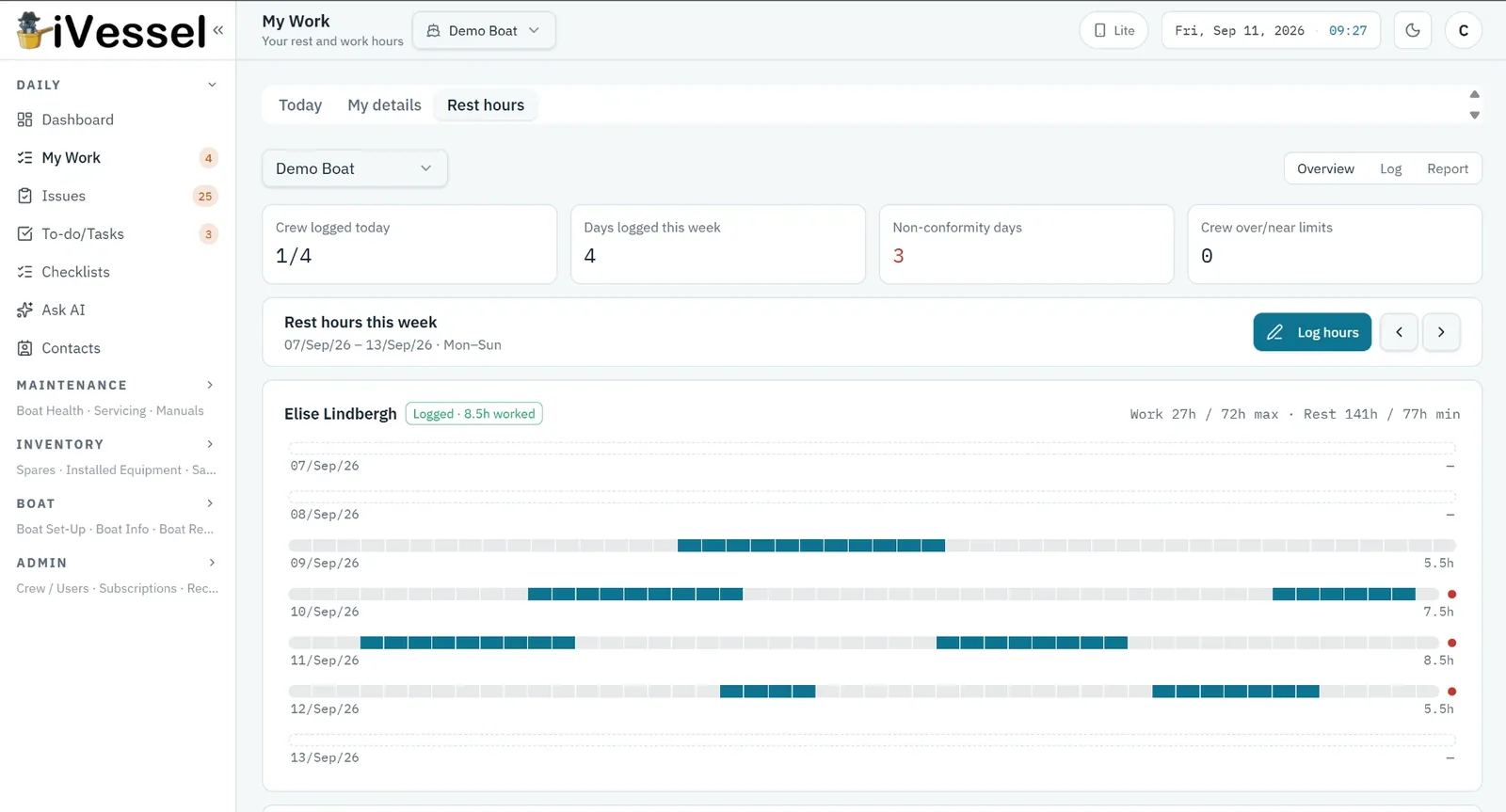
The master sees the whole crew's week side by side with running 72-hour and 77-hour totals; the report view prints the standard hours-of-rest table for any date range, per crew member, ready for the flag state, Port State Control or a charter audit.
01
How the log works
Tap the hours worked; the rest fills itself in. Grid or form entry, your choice.
- 48 half-hour slots per day, midnight to midnight
- Grid entry with a live compliance panel, or a form for those who prefer periods
- Each entry saved with the crew member's name and the time of entry
- Legacy records stay visible, read-only, with a badge
- Offline at sea; syncs when back in range
02
The six rules, checked automatically
A breach never blocks saving — it is flagged, explained, and the crew member confirms. The captain sees it the same day.
- At least 10 hours' rest in any 24-hour period
- At least 77 hours' rest in any 7-day period
- No more than two rest periods, one at least 6 hours
- No more than 14 hours between rest periods
- 72-hour work limit over 7 days
- Each breach named in plain English, not a code
03
Week view and the printable record
Rebalance watches before an inspection finds the problem.
- Every crew member's seven days side by side, red mark on any breaching day
- Running 72h and 77h totals per person
- 7, 30, 90-day or custom-range report with a by-rule breakdown
- MLC-format table printed to PDF from the desktop
- Records stay with the boat when crew change